
Integrations
Bring your own keys and storage
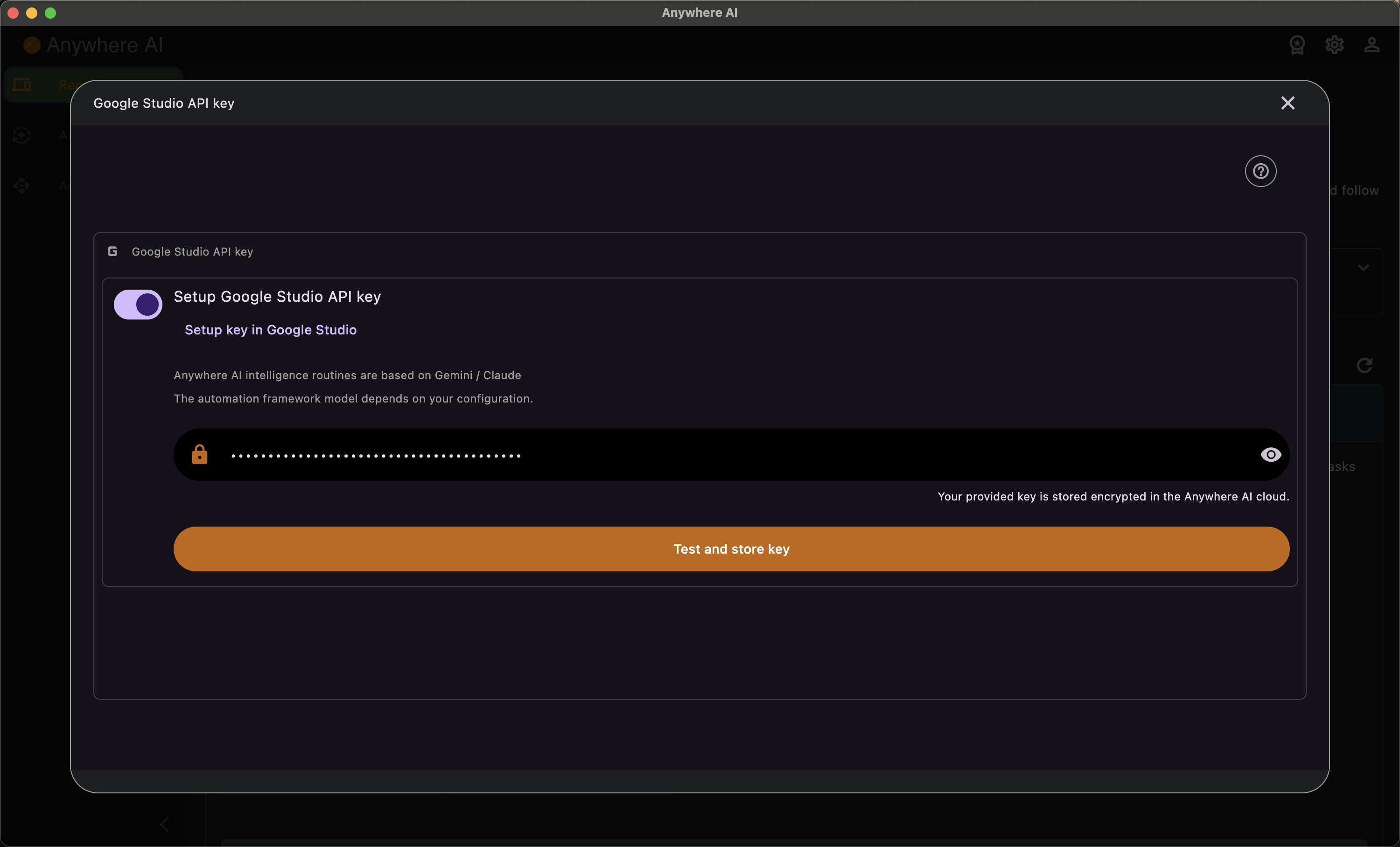
Integrations let you connect external services to Anywhere AI. In the Optional intelligence provider section you can supply your own AI key so the intelligent features run on your account for unlimited usage, and in the S3 section you can configure cloud storage so the file browser can move files to and from the cloud.
Optional intelligence provider
This section is optional. Adding your own key gives you unlimited AI usage instead of the commands included with your plan. Two providers are supported, each with its own key:
- Google Gemini — set your own Gemini API key.
- Anthropic Claude — set your own Claude API key.
When you set a key it is validated with a live test call before it is stored, and it is kept encrypted. If you configure both providers, a preferred-provider dropdown lets you choose which one is used for the AI-powered features such as the chat in the Intelligent Terminal.
S3 storage
Configuring S3 storage lets the File Browser transfer files to and from the cloud (when S3 integration is part of your plan). Supported providers are:
- AWS S3
- Cloudflare R2
- Backblaze B2
- DigitalOcean Spaces
- IONOS S3
- A custom endpoint
Setup needs a bucket name, region, access key and secret key. A CORS configuration step with provider-specific instructions is included, and a live connection and CORS test confirms everything works before you finish. The secret key is stored encrypted.
Add an intelligence provider key
- Open Account and scroll to Optional intelligence provider.
- Choose Google Gemini or Anthropic Claude and paste that provider's API key.
- Save. The key is tested with a live call and, if valid, stored encrypted.
- If you added keys for both providers, pick which one to use from the preferred provider dropdown.
Configure S3 storage
- Open Account and scroll to the S3 setup.
- Choose your provider and enter the bucket name, region, access key and secret key.
- Apply the CORS configuration using the provider-specific instructions shown.
- Run the connection and CORS test, then save. S3 options become available in the File Browser.
Return to your account overview.