
Add a Docker container
Run a container that connects on its own
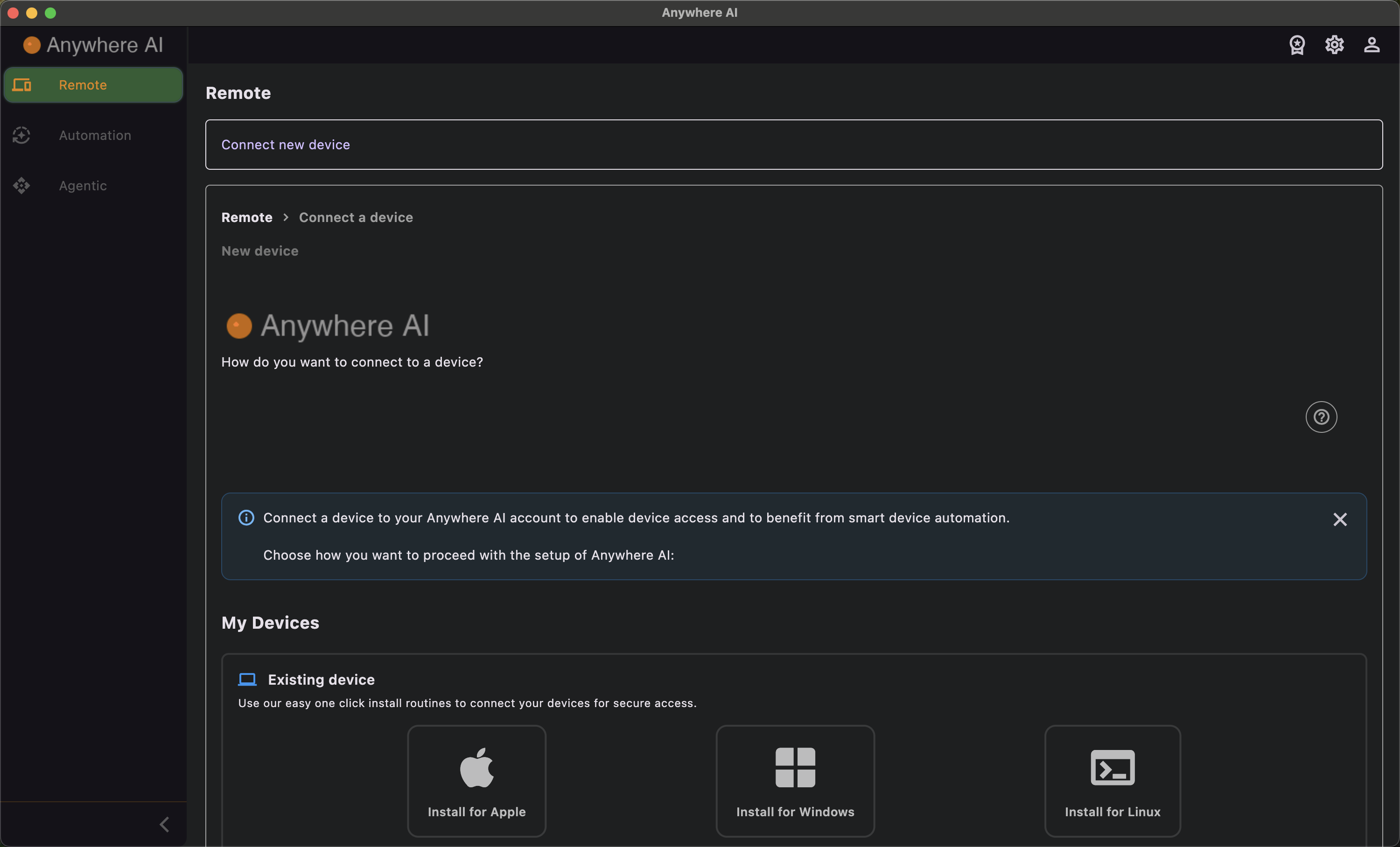
Choose Docker container to set up a new container that connects to Anywhere AI automatically. You pick the container's operating system, download a ready-made Dockerfile and licence, and run the commands the wizard provides.
Container operating systems
- Ubuntu
- Debian
- Linux Mint
Set up the container
- Choose Docker container.
- Select the container operating system — Ubuntu, Debian or Linux Mint.
- Download the provided Dockerfile and licence.
- Run the given docker build, run and exec commands.
- The container connects automatically and appears in your Remote list.
Adding a device counts toward your plan's device limit; see Licence & billing.
Back to Add a device
Return to the overview of installation types.
Back to Remote
Return to the device list once your container is registered.