
Licence & billing
Manage your plan
Your licence decides which Anywhere AI features you can use and how much. The licence section of your account shows your current plan, lets you change it, and — depending on your situation — start a trial or request a research licence. Billing is handled securely through the payment provider.
Your current licence at a glance
The licence card shows the essentials of your subscription:
- The plan category — for example commercial, private or connect.
- A status badge — trial, active or expired.
- A valid until date, showing when the current period ends.
What your licence controls
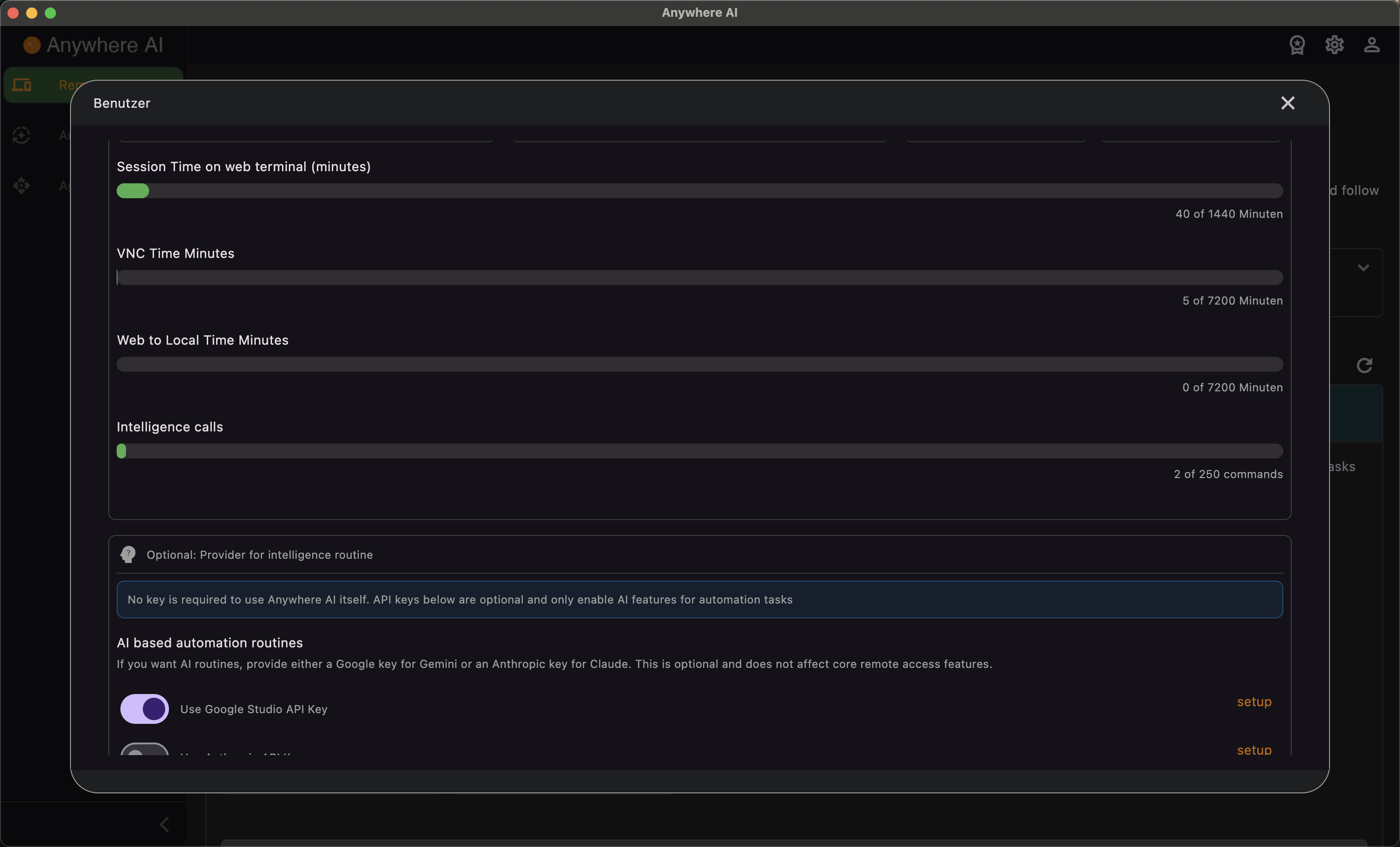
A plan defines limits and features across the whole app, for example:
- Remote — number of devices, maximum session time, VNC minutes, Web-to-Local minutes, intelligent-terminal commands, file-browser transfers and file-size limits, S3 integration and encryption.
- Agentic — number of API projects, sessions per day and command limits.
- Connect — which installers you can download (downloaded installer, ISO/IMG) and whether automated updates are included.
- Support — access to Ask Awa, support tickets and Slack.
- Trial — whether a trial is possible, how many days, and whether a card is required.
Edit your current licence
- Open Account and scroll to the Licence section.
- Review your current licence, its status and its limits.
- Select Edit current licence to open plan selection.
- Pick monthly or yearly billing and a tier (for example basic, standard or premium).
- Complete checkout with the payment provider. On success your new limits apply right away.
A trial may be offered inside this flow; depending on the plan a card may or may not be required.
The Edit current licence button appears for normal licences. If your subscription is managed by an external store, the screen instead shows an information box: manage the subscription where you bought it — the web (Stripe) billing portal, the Apple App Store, or Google Play.
Request a research licence
A research or academic licence is not requested through an in-app form. To ask for one, contact the support address shown on screen and include your account ID; a ready-made email template is provided to make this easy.
Return to your account overview.